
Resetting Your BingoPlus Password Safely
If you cannot remember your BingoPlus password or your current password is no longer working, start the recovery process only from an official BingoPlus access route.
Before continuing, confirm that you are on the expected BingoPlus domain and that your browser does not display a security warning. Avoid password-reset links received from unknown messages, advertisements or unofficial websites.
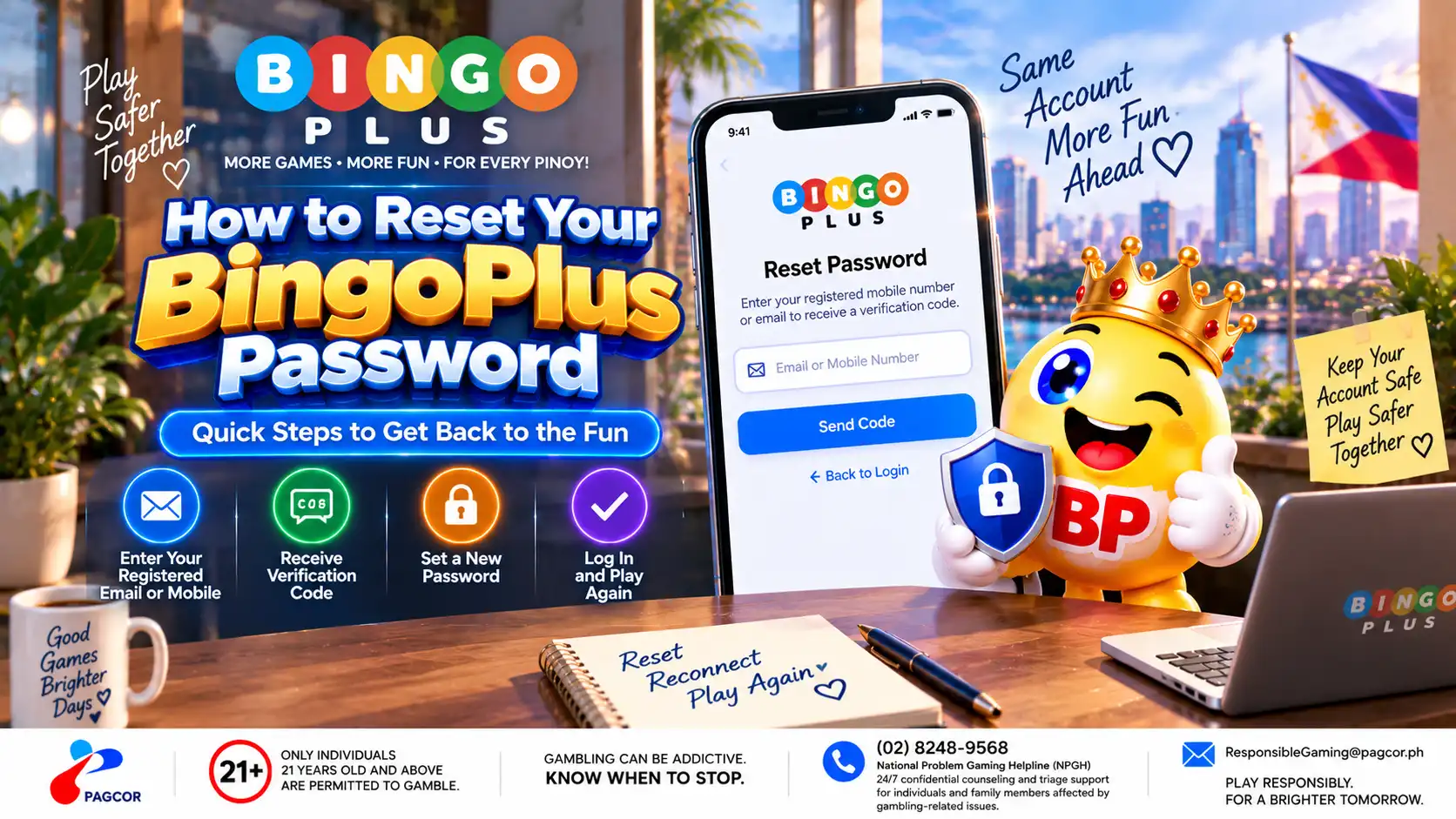
Use the password recovery option presented by the official sign-in interface. Follow the instructions shown on the current page, as the exact verification steps may change over time.
Do not create a second account simply because you cannot access an existing account. Recover the existing account or contact official support if the recovery process cannot be completed.
Complete the Account Verification Step
Password recovery may require verification before a new password can be created. Follow the verification instructions displayed by the official BingoPlus account recovery flow.
Make sure the account information you provide corresponds to the account you are trying to recover.
If a verification code is sent to your registered mobile number, use the most recent code associated with the current recovery attempt.
Never provide a verification code, password or PIN to another person. These details should not be required by someone else to complete the reset on your behalf.
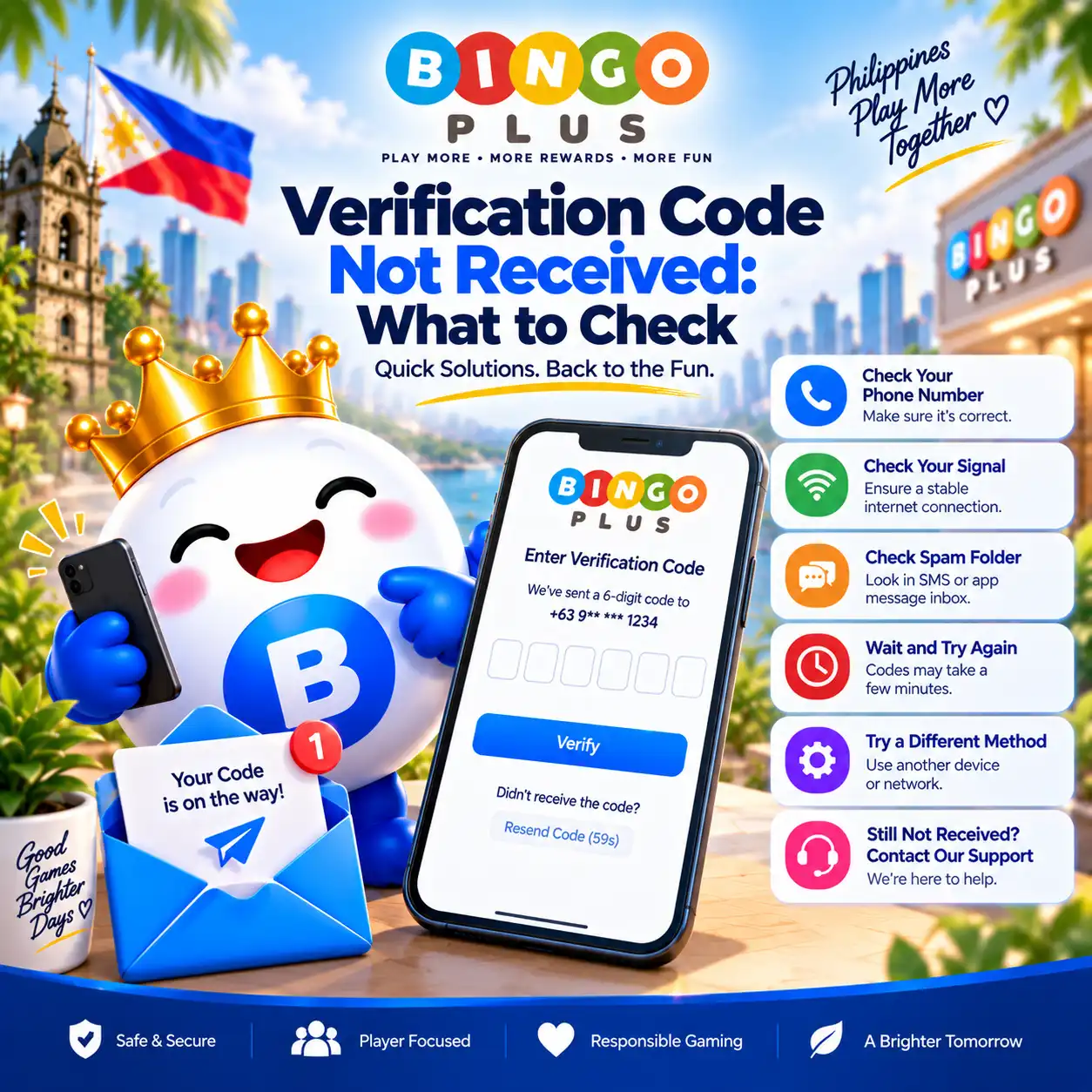
If you cannot receive the verification code, stop the password-reset attempt temporarily and troubleshoot the verification issue before repeatedly requesting additional codes.
Create a New Password
When the official recovery process allows you to create a new password, choose one that is difficult for another person to guess.
Use a password that is unique to your BingoPlus account.
Avoid names, birthdays, mobile numbers and other easily guessed information.
Do not reuse a password that you already use for email, social media or other important accounts.
Follow any password requirements displayed on the reset page.
Store the new password securely rather than sending it to yourself through an unprotected message.
A password manager can help you create and store a unique password without having to reuse credentials across different services.
Sign In Again After the Reset
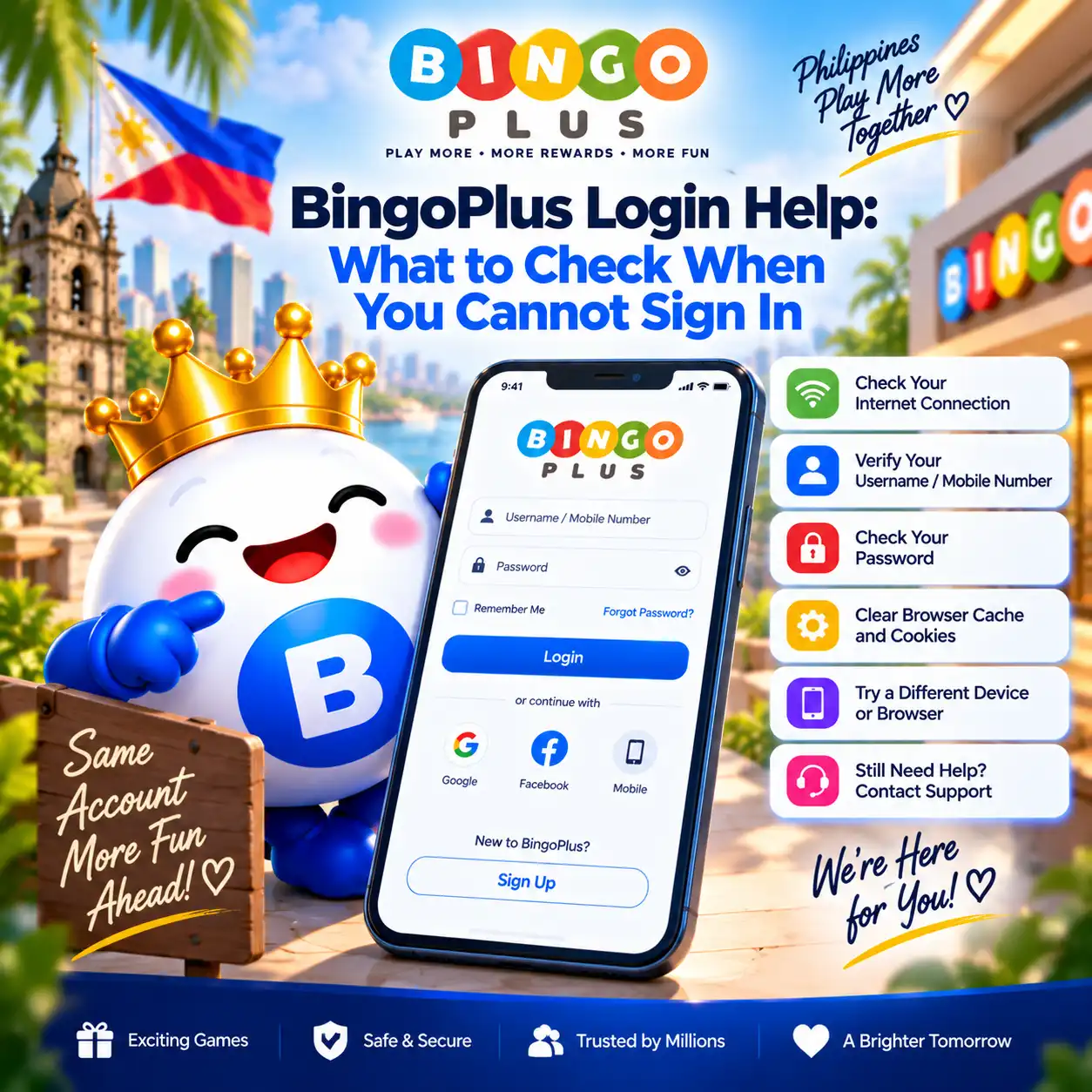
After the password reset has been confirmed, return to an official BingoPlus sign-in page and enter the new password.
If your browser previously saved the old password, update or remove the outdated saved credential so that it is not automatically entered again.
If the new password is rejected, first check whether the reset process was successfully completed. Avoid repeatedly submitting different passwords, as repeated failed attempts may complicate troubleshooting.
If you can sign in successfully, review the account for any activity or changes you do not recognize.
If You Did Not Request a Password Reset
If you receive a password-reset or verification message that you did not request, do not use its links or share any verification information.
Open BingoPlus independently through a verified official access route rather than through the unexpected message.
Do not approve an account verification request that you did not initiate.
If you believe someone may be attempting to access your account, review your account through official channels and contact BingoPlus support for assistance.
Keep screenshots used for support free of passwords, PINs and verification codes.
When to Contact BingoPlus Support
Contact official BingoPlus support if you cannot complete the password recovery process after checking your account information, verification method and official access route.
When describing the problem, provide the error message shown on the page and the approximate time the issue occurred where relevant. Do not include your password, PIN or one-time verification code.
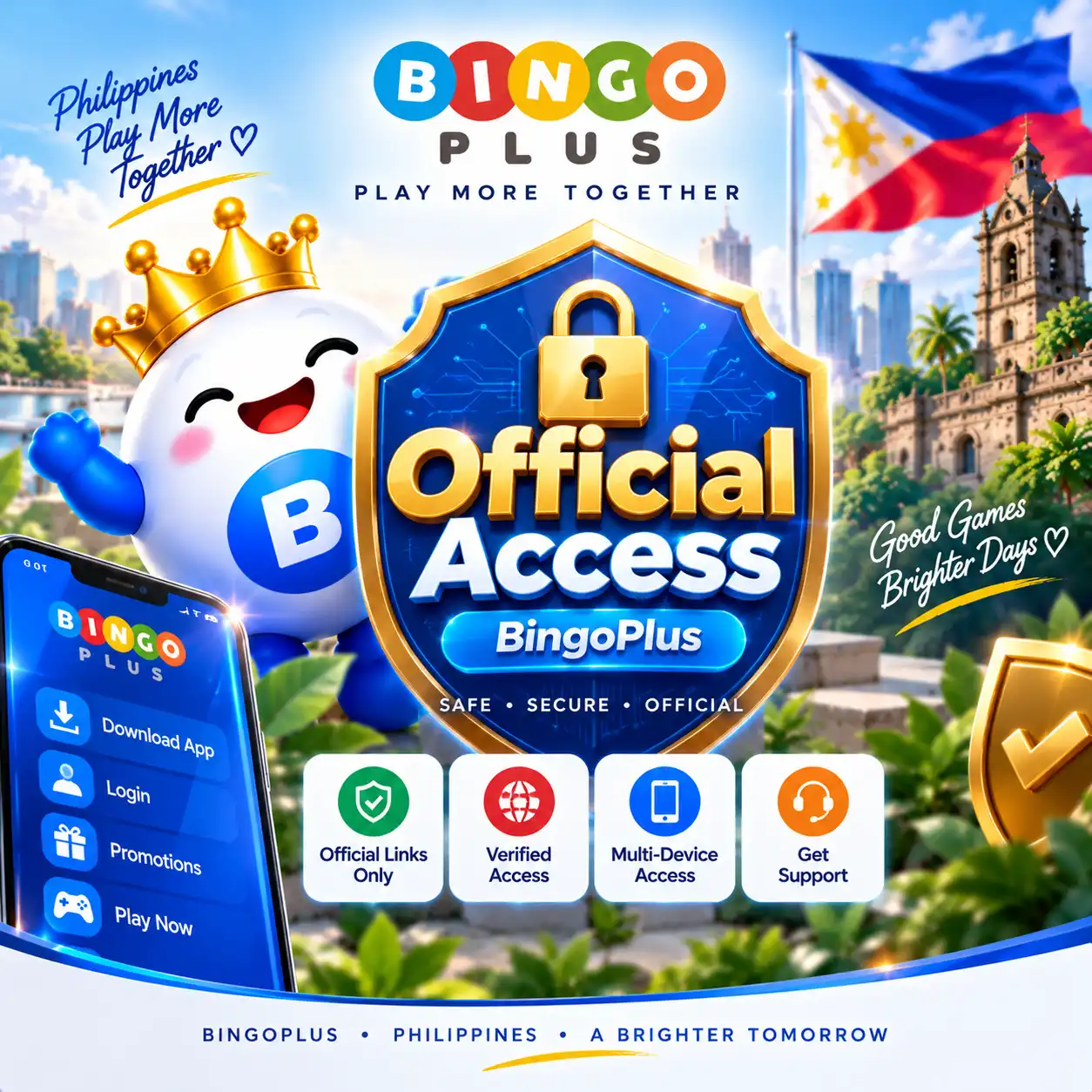
Use only an official BingoPlus support channel. If you are uncertain whether a support page or contact method is legitimate, verify it through the BingoPlus Official Access information first.
Account recovery should be completed through verified BingoPlus channels rather than through third parties offering to recover an account on your behalf.
Sources & references
Review: Reviewed for password-reset guidance, account verification, security precautions, official access information and consistency with current BingoPlus account recovery procedures.