
Before You Contact BingoPlus Support
Before contacting BingoPlus support, collect enough information to explain the problem clearly without exposing sensitive account details.
Start by identifying what you were trying to do when the issue occurred. For example, note whether the problem involved signing in, account verification, password recovery, the BingoPlus app or another account function.
Record the approximate date and time of the problem and copy any error message or error code exactly as it appeared.
If the issue can still be reproduced, note the steps that lead to it. Clear and specific information can make troubleshooting easier than simply reporting that the account or app is not working.
Do not include your password, PIN or one-time verification code in your report.
Information That Can Help Explain the Problem
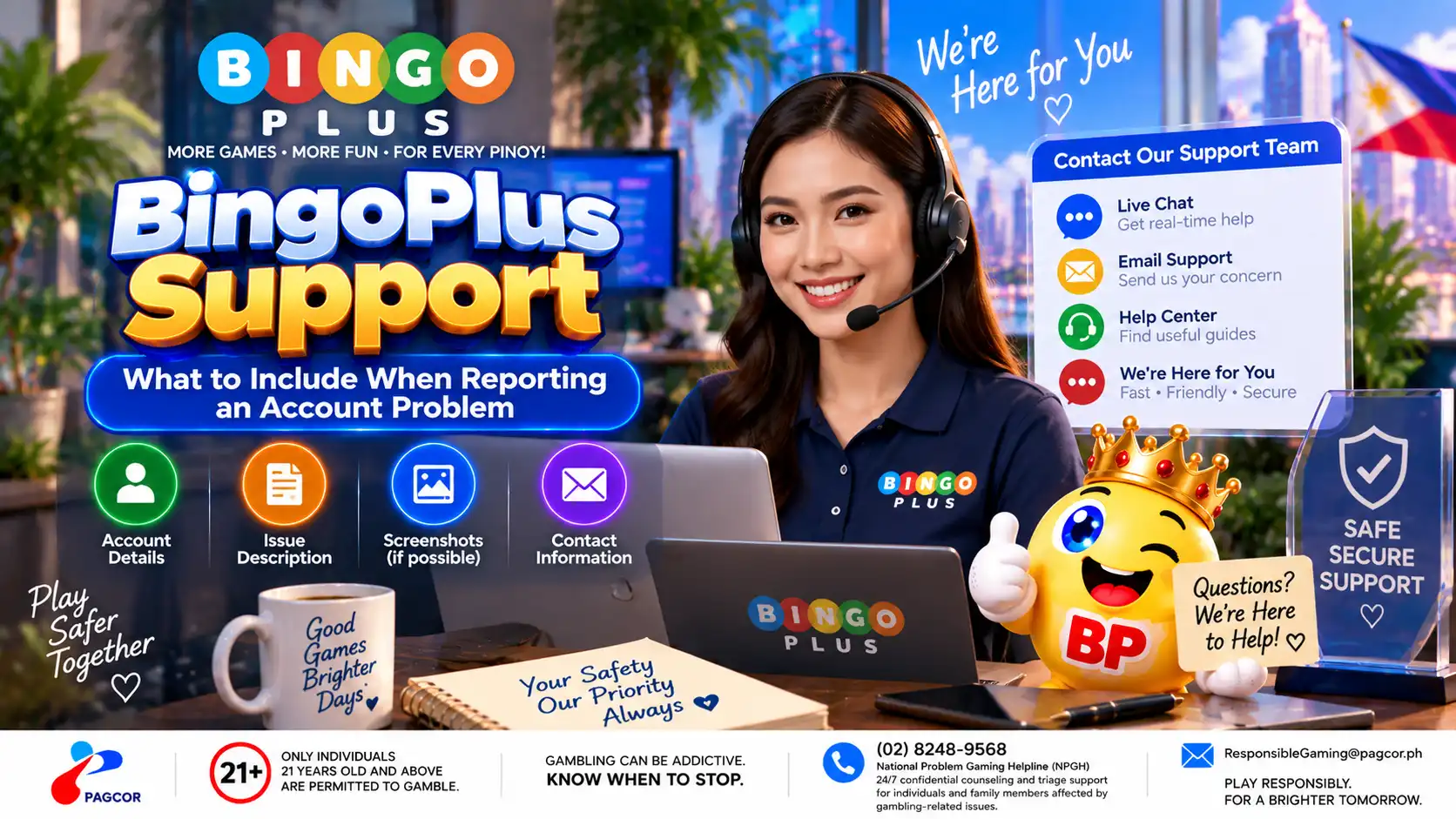
Depending on the issue, the following information may help support understand what happened:
The type of problem you encountered.
The approximate date and time it occurred.
The exact error message or error code shown.
Whether you were using the BingoPlus website or app.
Your device model and operating-system version when relevant.
The app version or browser name when relevant.
Whether the problem occurred on Wi-Fi, mobile data or both.
The steps you completed immediately before the problem appeared.
Whether the same problem happens again after reopening the official page or app.
Provide only information that is relevant to the issue. Avoid sending unnecessary personal or financial information.
What Not to Include in a Support Message
Some information should remain private even when you are requesting account assistance.
Do not send your account password.
Do not send your PIN.
Do not send a one-time verification code.
Do not send complete payment-card or wallet credentials.
Do not expose security codes or other authentication secrets.
Do not post sensitive account information in a public comment or social-media thread.
If an official verification process requires identity or account information, follow the instructions presented through the verified support process rather than publishing the information openly.
Be cautious if someone asks for credentials or verification codes in order to “fix” the account for you.
How to Prepare a Useful Screenshot
A screenshot can help explain a visual error, blank screen or unexpected message, but review the image before sending it.
Capture the error message or affected part of the interface.
Keep enough of the screen visible to provide context.
Hide passwords, PINs and verification codes.
Hide sensitive financial or personal information that is not needed to explain the issue.
Do not edit the screenshot in a way that changes the error itself.
If the problem occurs repeatedly, note the approximate time of each occurrence rather than sending many nearly identical screenshots.
Use an Official BingoPlus Support Route
Before sending account information, confirm that you are communicating through an official BingoPlus support or access route.
Be cautious with support links received through unsolicited messages, unfamiliar websites or accounts that cannot be verified as official.
If you are uncertain about a contact method, return to the BingoPlus official website or Official Access information and verify the appropriate route before continuing.
A legitimate troubleshooting process should not require you to disclose your password, PIN or one-time verification code to another person.
After You Submit the Report
Keep any reference or case information provided through the official support process so that you can identify the same issue if follow-up is required.
Avoid opening multiple reports for the same problem unless you are instructed to do so. If something changes, such as a new error message or the issue beginning to affect another device, include that new information in the existing support conversation when possible.
If the problem is resolved, confirm that normal account access has returned and review the account for anything you do not recognize.
For related troubleshooting, see the BingoPlus login, verification-code, password-reset and app-loading help pages.
Sources & references
Review: Reviewed for account-support guidance, information-security precautions, troubleshooting details and consistency with official BingoPlus support and access information.